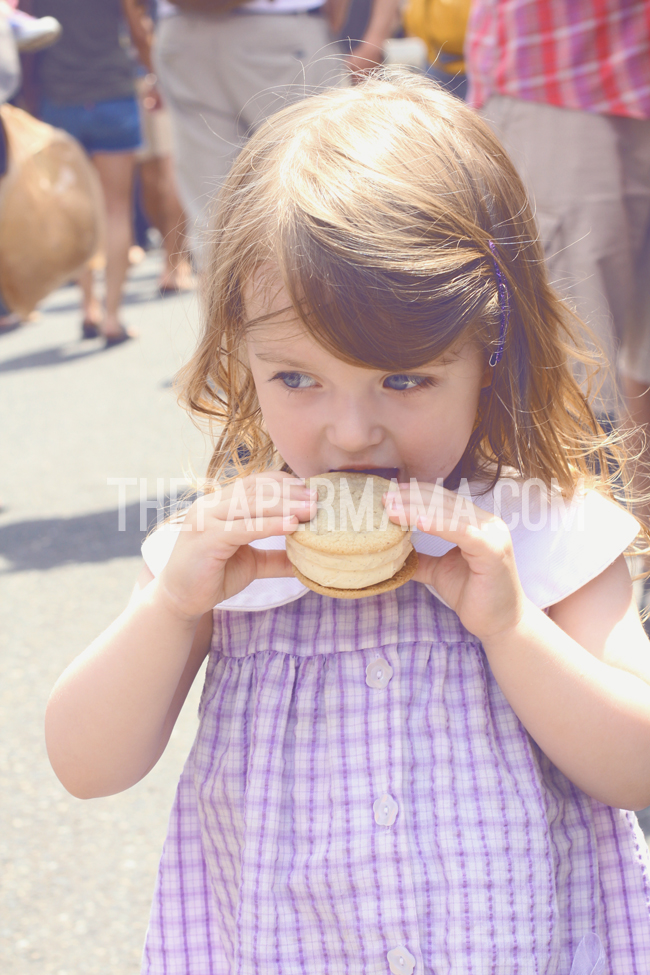
I'd like to share a quick way to add a vintage haze and color to your photo (without overdoing it). I do this to most of my photos. I've created a few different actions that I personally use over and over. This is the most simple way I can share. Using your Selective Color (one of my favorites) and Levels layers in Photoshop.
Open up your photo you'd like to edit. Do any basic edits to your photo first (like contrast/brightness). Add a Selective Color layer and play around with the blacks and whites. Below you can see the different selective layer numbers I have for the black and white adjustments. These numbers will be different for you... it all depends on your taste and style.
Once your happy with the coloring you get from your Selective Color layers... add a Levels layer. The only change I will make with this layer is adjusting the output levels. Again, you can see my numbers below. I like just a teeny fog... nothing too intense. Adjust these to your taste as well.
Flatten your photos... and, you're done! Enjoy!

Happy Friday everyone!
- Chelsey, The Paper Mama